Digital Case Files
- VIRTUAL COURT HEARINGS/ MEETINGS - HARDWARE AND SOFTWARE SUGGESTIONS FOR ADVOCATES - PART 1 The physical closure of Courts resulting from COVID pandemic continues. Despite being comfortable with digital case files (following CPBH), it may still be daunting to…

- WHAT FEATURES SHOULD YOU LOOK FOR IN A PDF APP? In a digital office environment, PDFs will become the new normal, replacing paper. While a 'PDF Editing' software is used to make the PDF work-ready (by performing CPBH),…
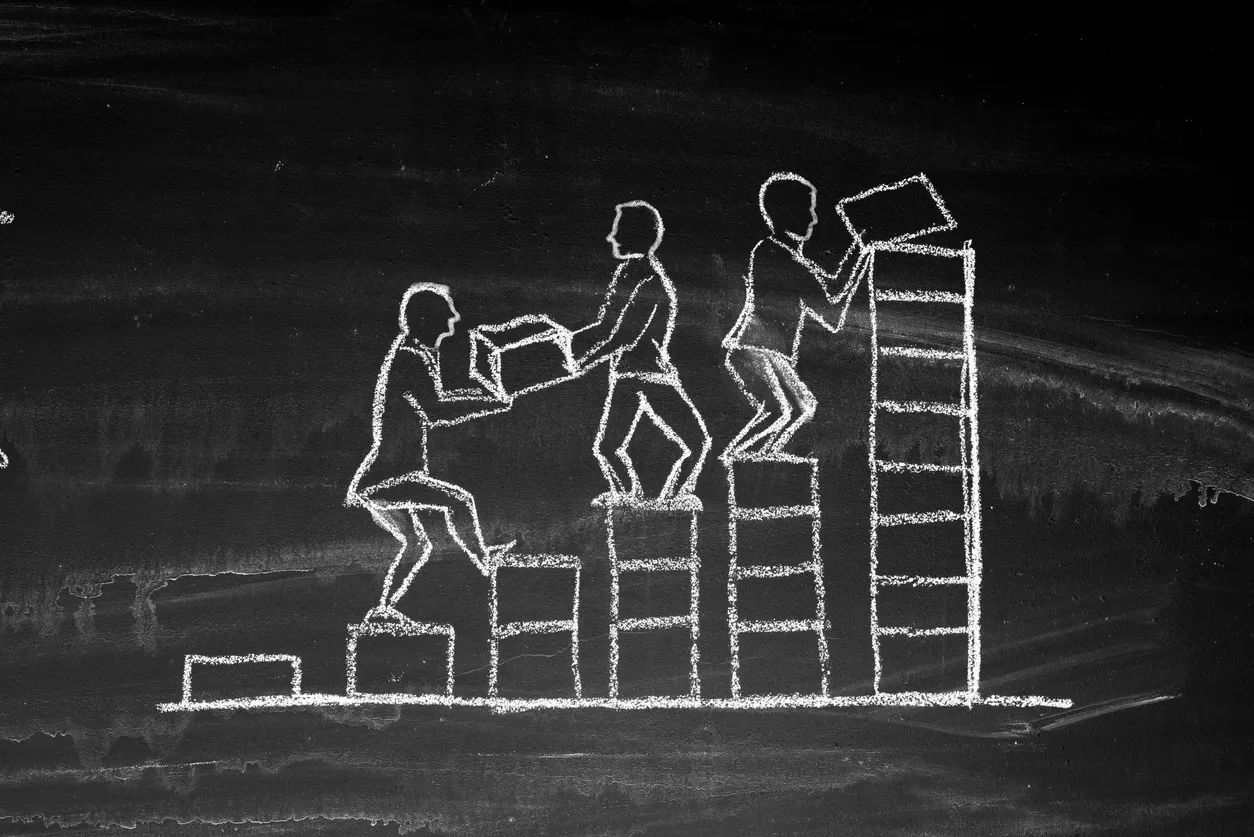
- SUSTAINING YOUR DIGITAL OFFICE AFTER THE INITIAL SET-UP Even after crossing the initial hurdle of scanning your files, thus inaugurating a digital version of your office, sustaining the set-up in the long-run is altogether a…
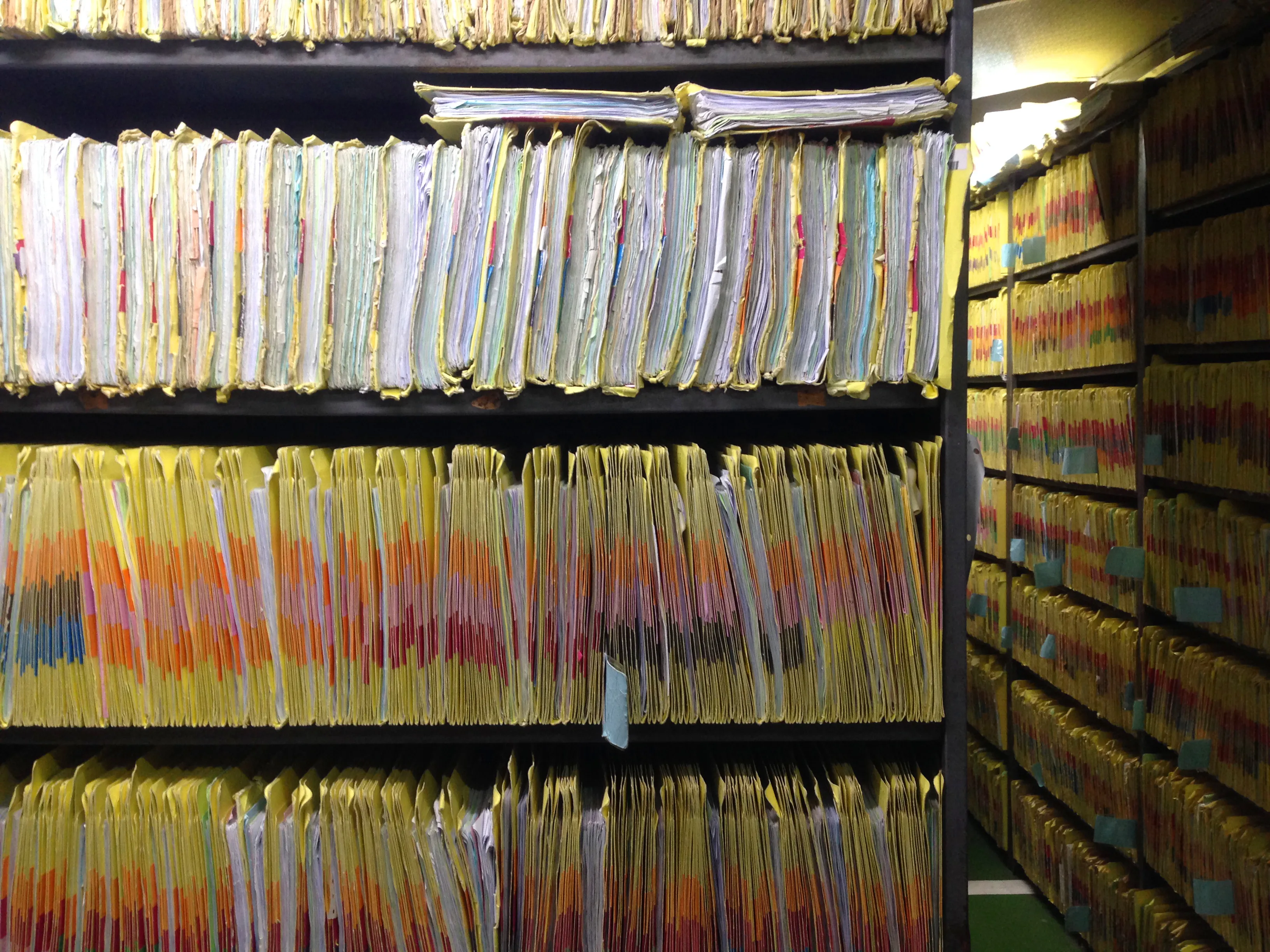
- DIGITISING YOUR ENTIRE OFFICE - THE INITIAL SETUP Once you are comfortable with working on electronic files, as suggested in Office 1.0, you may be enthused to digitise all your case files. This process, of course,…
- 5 POINT GUIDE TO DIGITISE AN ADVOCATE'S OFFICE The COVID-19 lockdown has brought all human activity to a screeching halt. The legal sector has also been immensely affected. Further, everyone is apprehensive about…
- DEMYSTIFYING CLOUD STORAGE FOR ADVOCATES Cloud storage is a system of storing electronic information, on a remote server, accessible through internet. Unlike personal storage, which is only available on a…
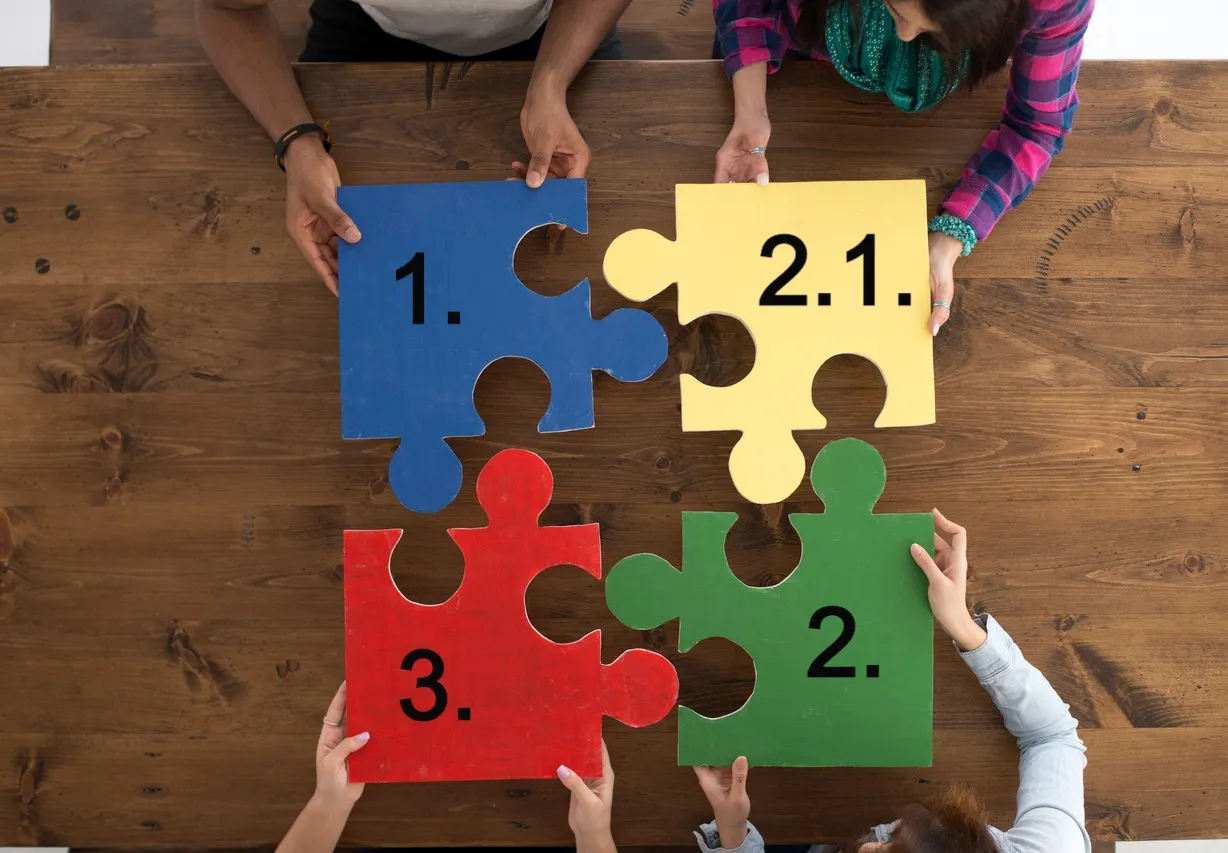
- NUMERICAL METHOD FOR NAMING/ARRANGEMENT OF YOUR FOLDERS AND FILES In the narration of Office 2.0, I emphasised on the necessity to have a standard procedure for naming and arrangement of folders/files on your digital space. As everyone…
- TRAINING YOUR CLERK TO PERFORM DIGITAL TASKS I already emphasised on the importance of CBPH in documents’ digitization. It is impractical to work on digital files without CPBH. Apart from CPBH, various traditional…
- VARIOUS KINDS OF DOCUMENTS/FILES AND OPTIONS AVAILABLE IN IMPLEMENTING CPBH There are various kinds of files/documents in an advocate’s office. They might range from loose papers to your case files containing office copies of pleadings/documents…
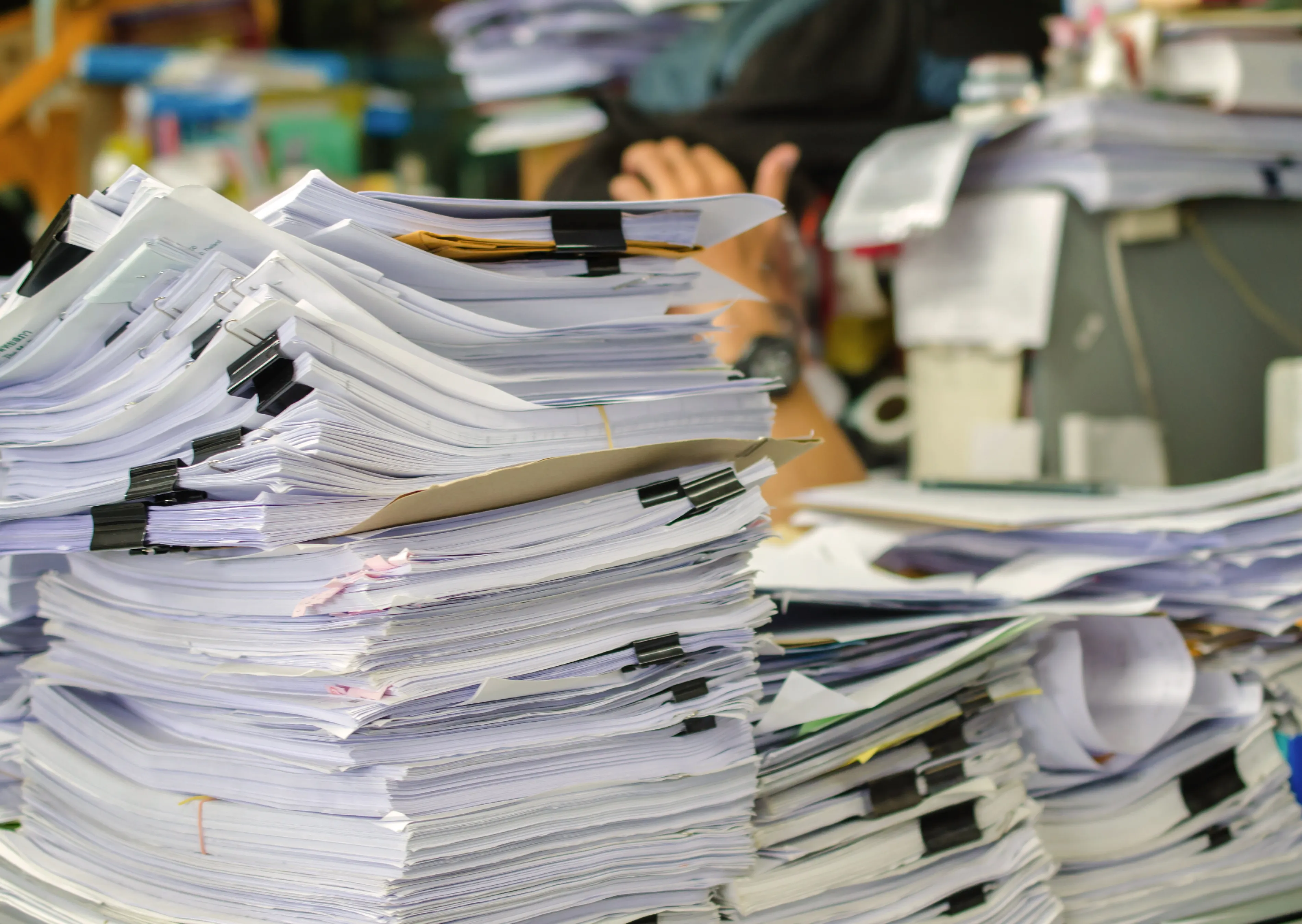
- BOOKMARKING AND HYPERLINKING Bookmarking and hyperlinking enhance a digital file's usage ease. An electronic bookmark is comparable to flags in a physical file. Very often, advocates require their…
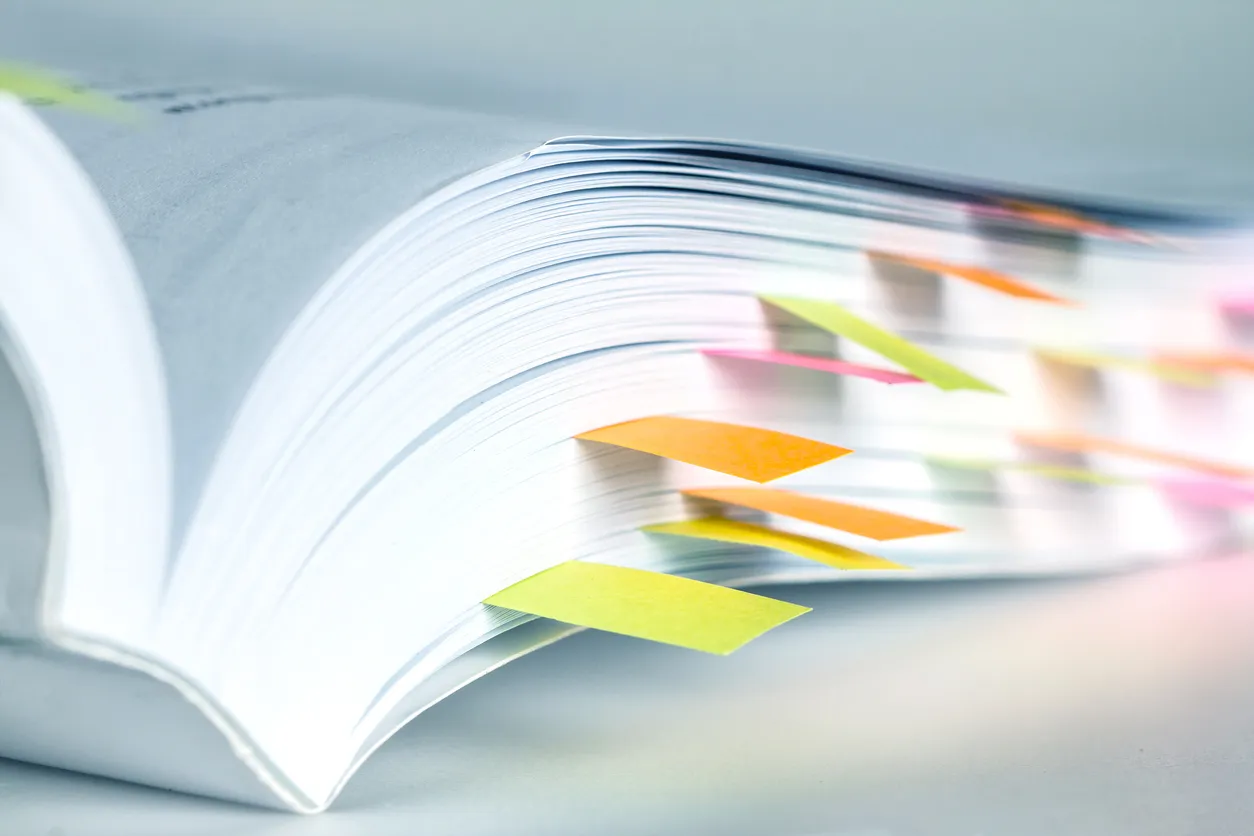
- PAGE LABELLING In my post on differences between physical files and digital files, I have explained why the running page numbering on the physical file does not match with the PDF page…
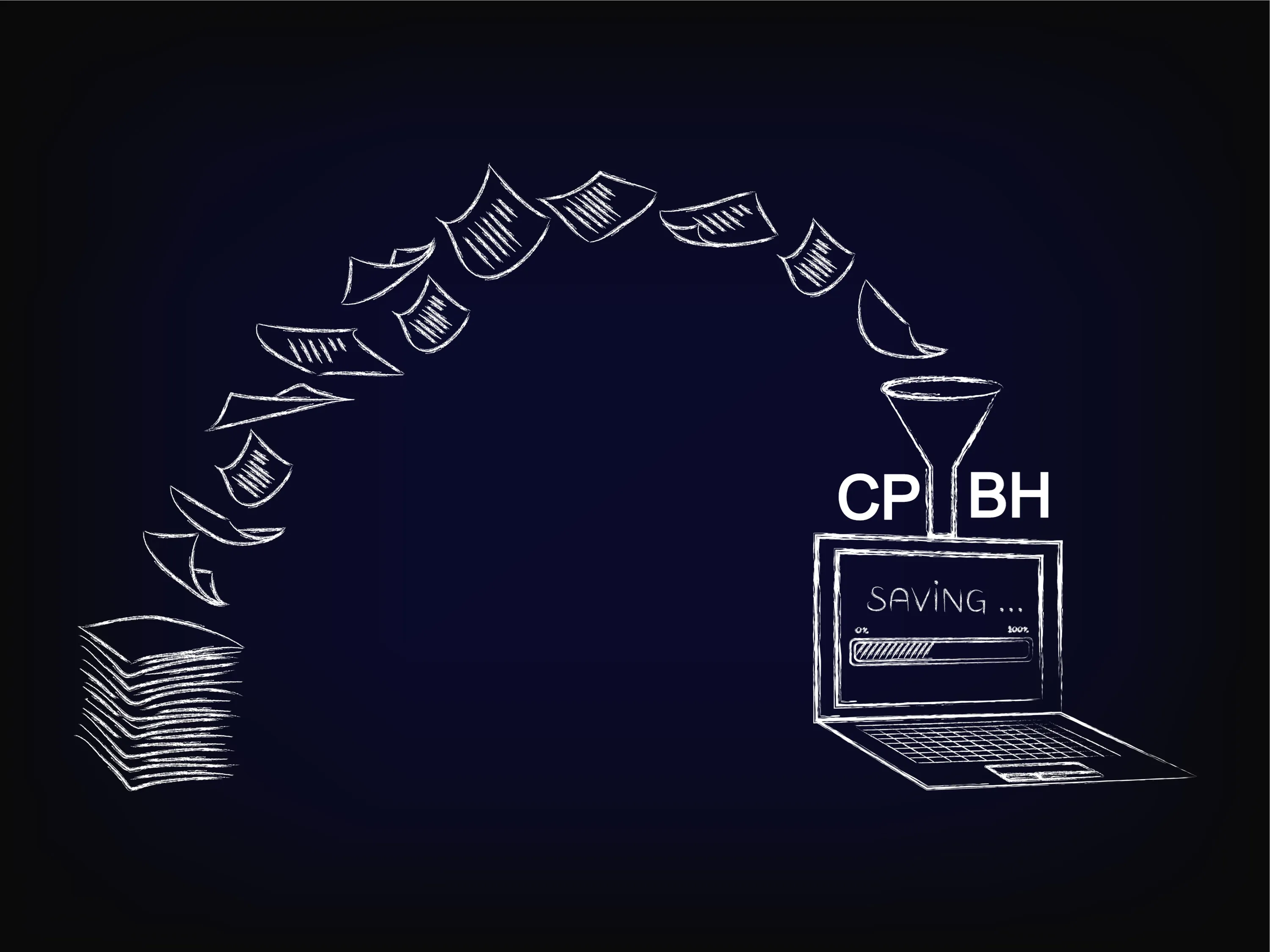
- WORKING ON DIGITAL FILES AND IMPORTANCE OF CPBH This post is only intended for those who did not read about CPBH in 'Office 1.0' page. If you have already read Office 1.0 page, you can ignore this post. I once…
- CLEANING A PDF AFTER SCANNING After a file/document is scanned, the PDF thereof may not replicate the source physical file/document. 'Cleaning the PDF' is a short process to remedy this anomaly before…
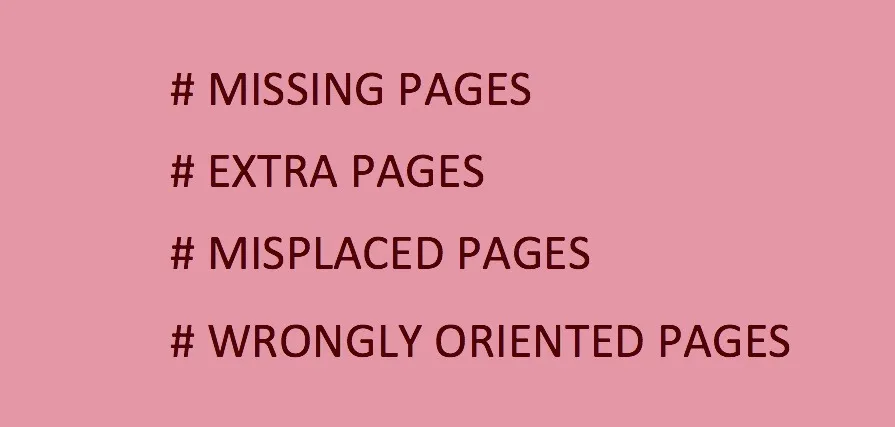
- DIFFERENCES BETWEEN WORKING ON A PHYSICAL FILE/DOCUMENT AND RAW SCAN OF THE SAME FILE/DOCUMENT Can you fully work on a scanned PDF file/document replacing a physical file? For anyone who has tried, the obvious answer is an emphatic “NO.” There are 3 fundamental…